
CAPTURE
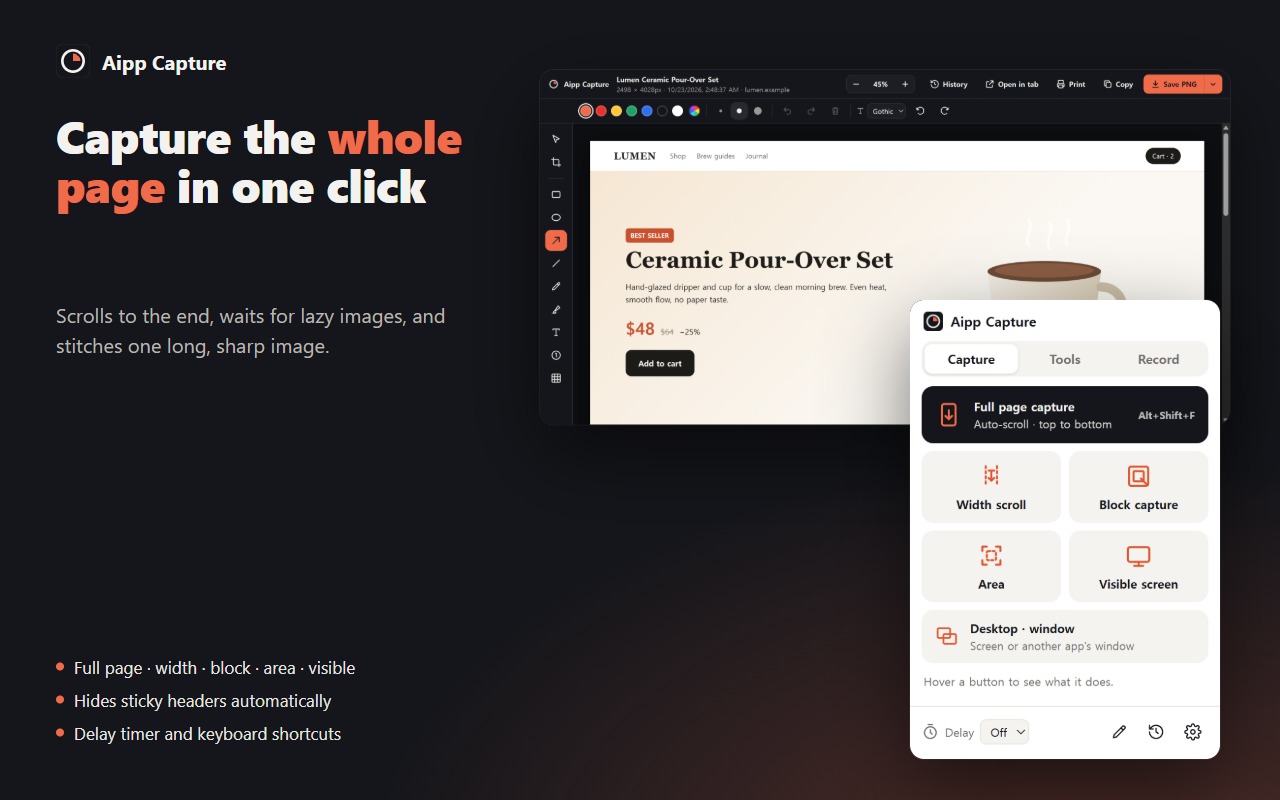
- Full page — scrolls to the very end, waits for lazy-loaded images, and stitches one long, sharp image
- Width scroll — drag a column once, then capture that width all the way down
- Block — hover any section of the page and click to capture it to its end
- Area — drag a box and capture just that
- Visible screen, plus desktop and other app windows
- Hides sticky headers and floating buttons so they don't repeat in every slice
- Follows pages where only an inner panel scrolls
- Delay timer (3, 5 or 10 seconds) and keyboard shortcuts
EDIT
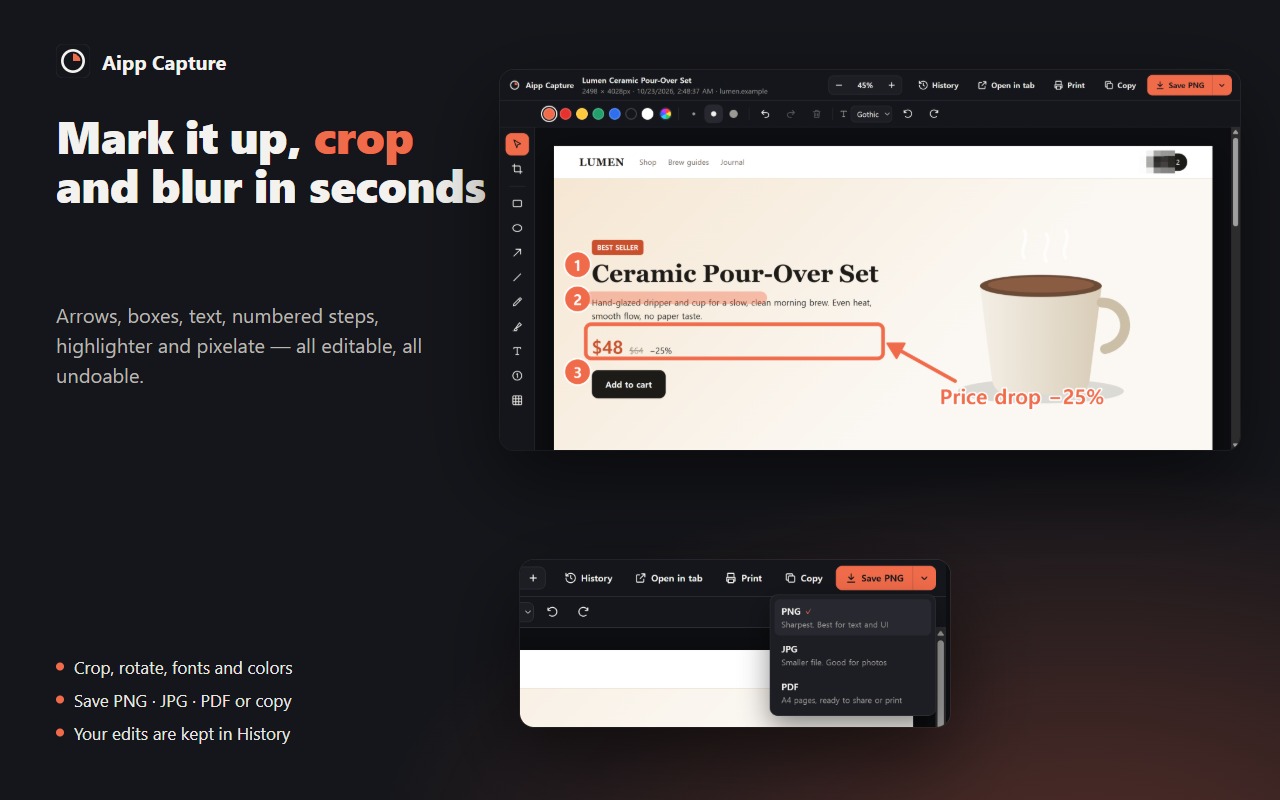
- Arrows, rectangles, ellipses, lines, pen, highlighter, text and numbered steps
- Pixelate to hide personal or private details
- Crop, rotate, choose colors, line widths and fonts
- Undo and redo, move and resize anything you've drawn
- Save as PNG, JPG or PDF (A4 pages), copy to the clipboard, print, or open in a new tab
- Open your own images by drag-and-drop or paste (Ctrl+V)
TOOLS ON THE PAGE
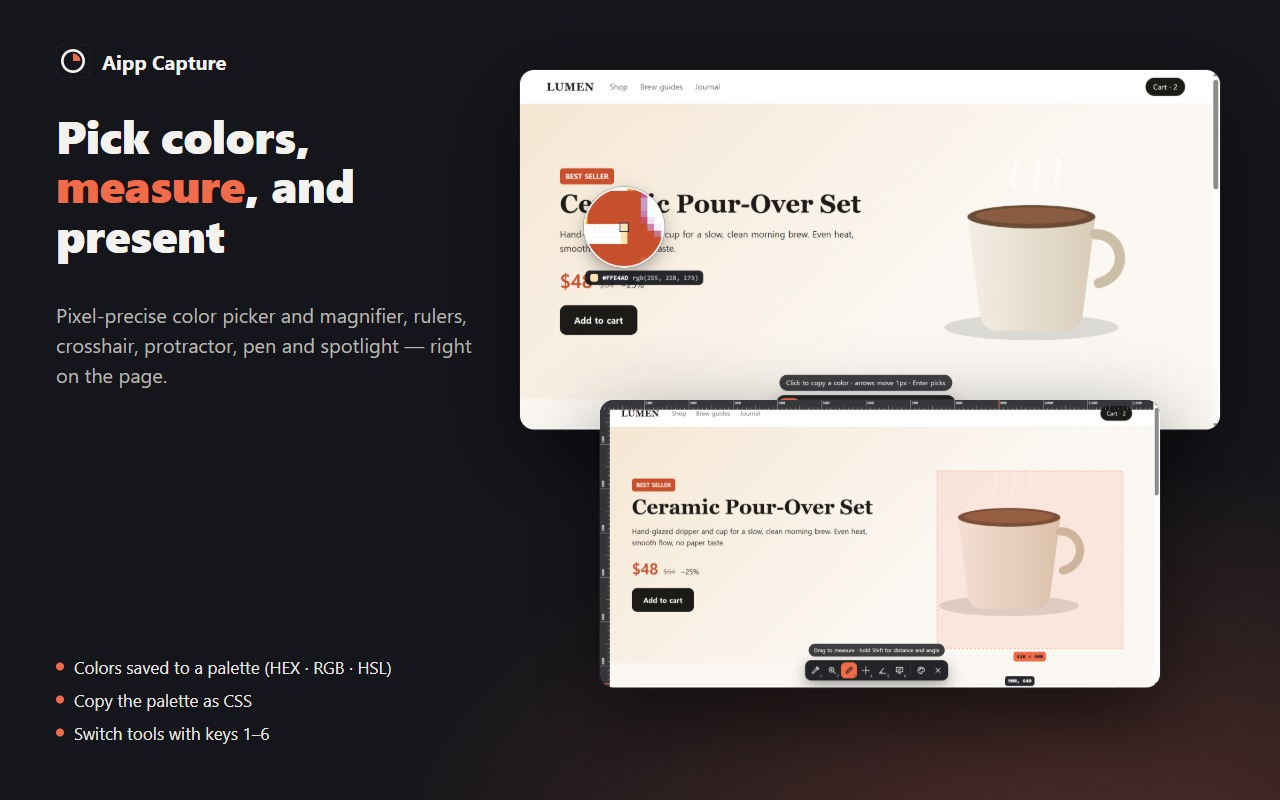
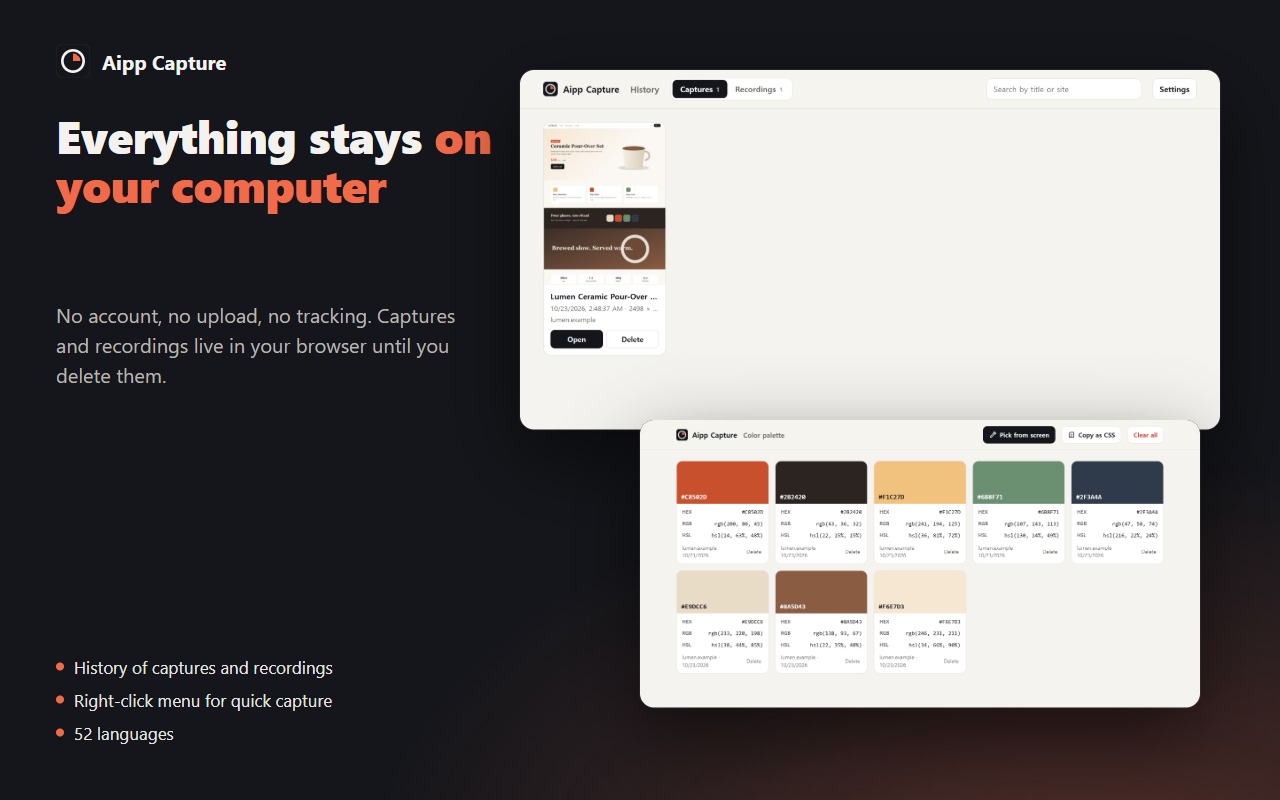
- Color picker with a pixel loupe — click to copy HEX, colors are kept in a palette
- Palette view with HEX, RGB and HSL, copy everything as CSS variables, and an eyedropper that works anywhere on screen
- Magnifier (up to 16×), rulers with drag-to-measure, crosshair guides, protractor
- Presentation mode: pen, highlighter, laser pointer and spotlight
RECORD
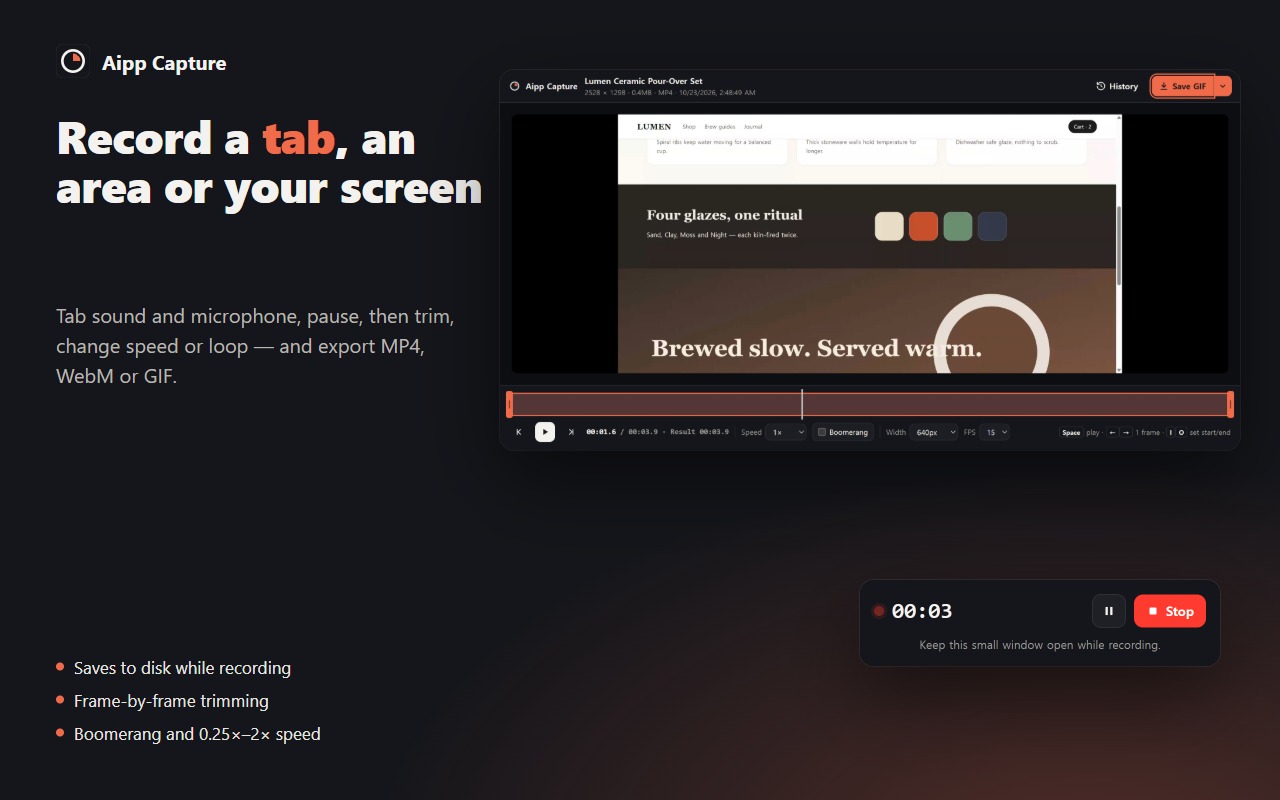
- Record a tab (with its sound), a selected area of a tab, or your whole screen or a window
- Add your microphone, pause and resume, choose original, 1080p or 720p
- Recording is written to disk every second, so long recordings don't fill memory, and an interrupted recording can be recovered
- Trim the start and end, step frame by frame, change speed (0.25× to 2×) or make a boomerang loop
- Export MP4, WebM or GIF
ALSO
- History of all your captures and recordings — reopen and keep editing
- Right-click menu for quick capture and recording
- Available in 52 languages
PRIVATE BY DESIGN
No account, no sign-up and no tracking. Aipp Capture does not collect or send any data. Captures, edits and recordings stay in your browser's extension storage on your computer until you delete them, and files are saved only when you click Save.
KEYBOARD SHORTCUTS
Change them at chrome://extensions/shortcuts
- Alt+Shift+F — full page capture
- Alt+Shift+W — width scroll capture
- Alt+Shift+A — area capture
- Alt+Shift+S — visible screen capture
- Start/stop recording — set your own key
Note: Chrome does not allow extensions to capture chrome:// pages or the Chrome Web Store. Desktop and window capture works everywhere.